
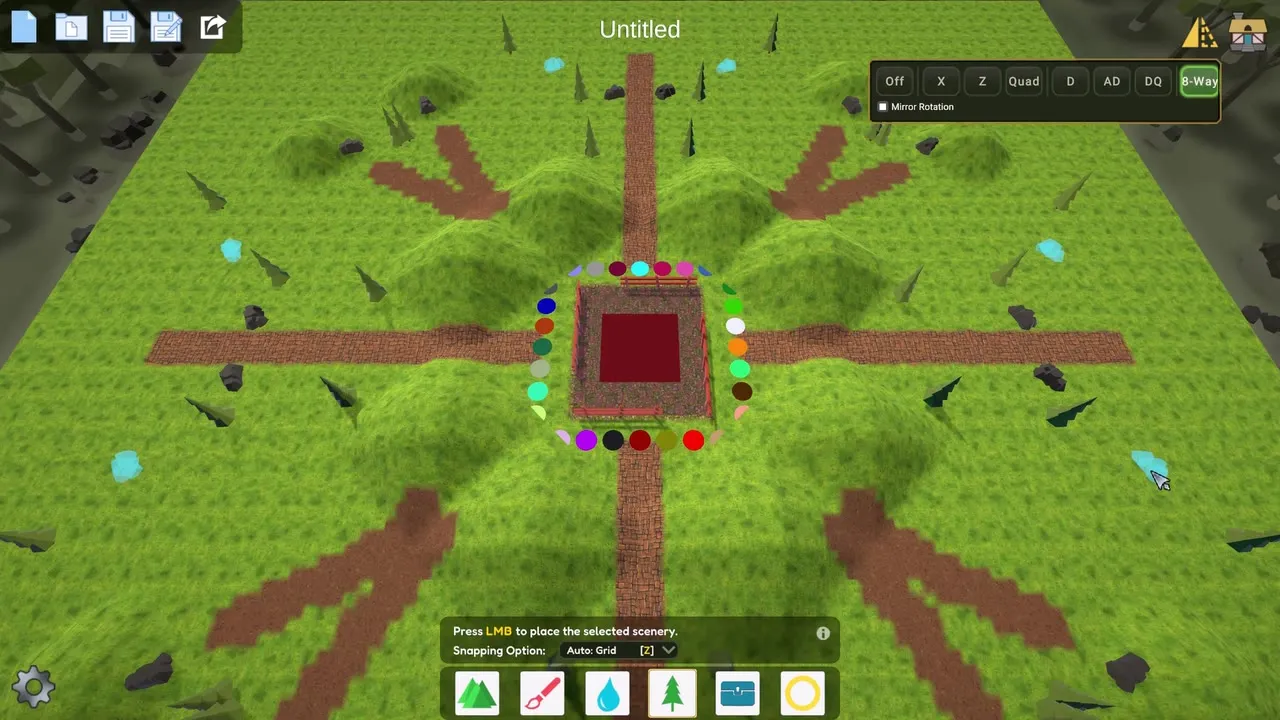
Our game · level editor
Sheep Tag 2
A built-in level editor with tilesets, structures, terrain borders, and mirror mode, sharing terrains on the Steam Workshop.
Services
We build tools that run inside the Unity Editor: editor windows, inspectors, data editors, importers, and workflow automation for your project. We also make Scriptable Sheets, sold on the Unity Asset Store.
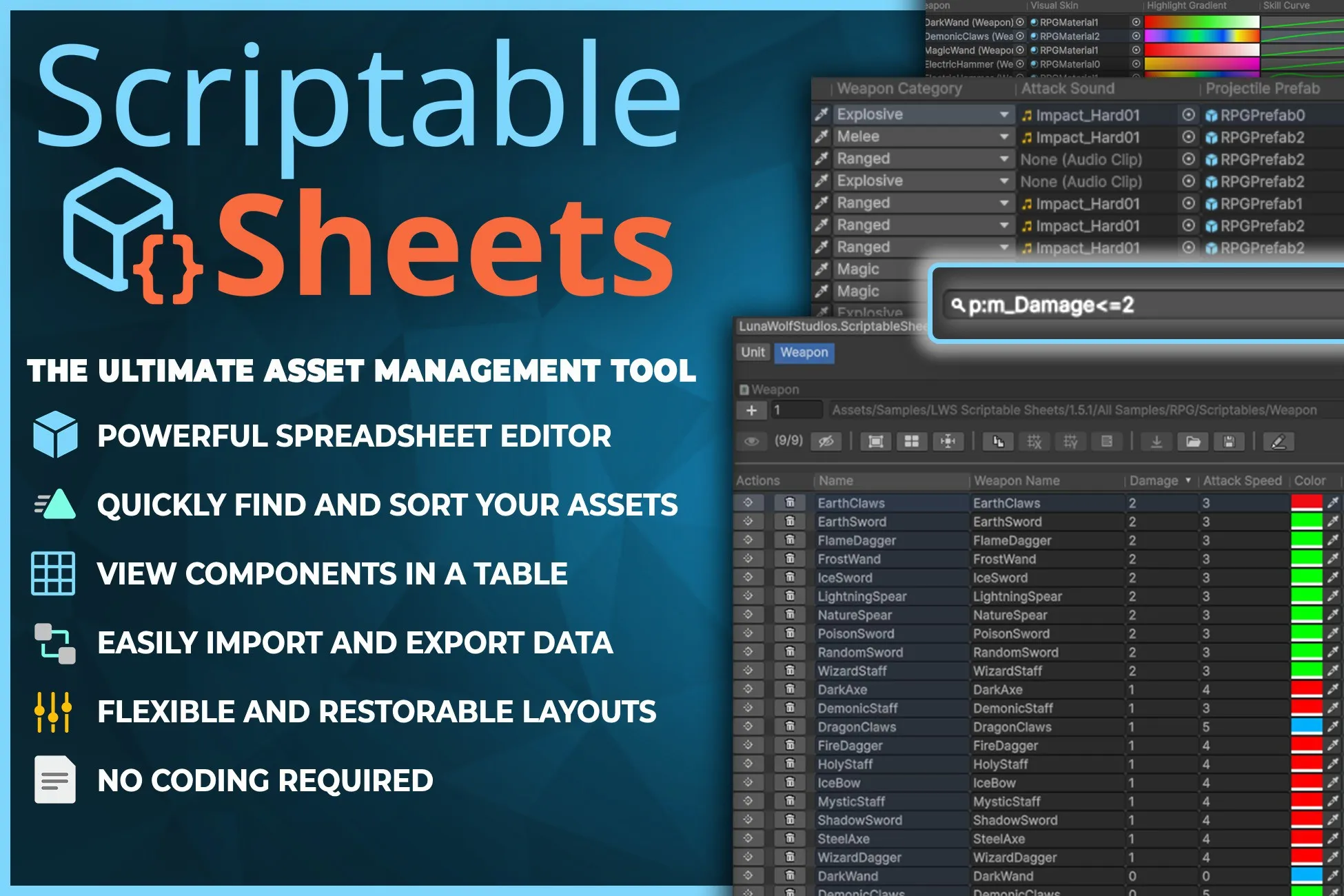
Code that runs inside the Editor so your team does repeated work in seconds, and ships nothing extra in the game build.
Dockable windows for the jobs your team repeats. Open several at once; settings survive a restart.
ScriptableObjects, Prefabs, and Components in a table you can sort, filter, and edit in bulk.
Tools that select objects in the Inspector and Project windows as you move through them.
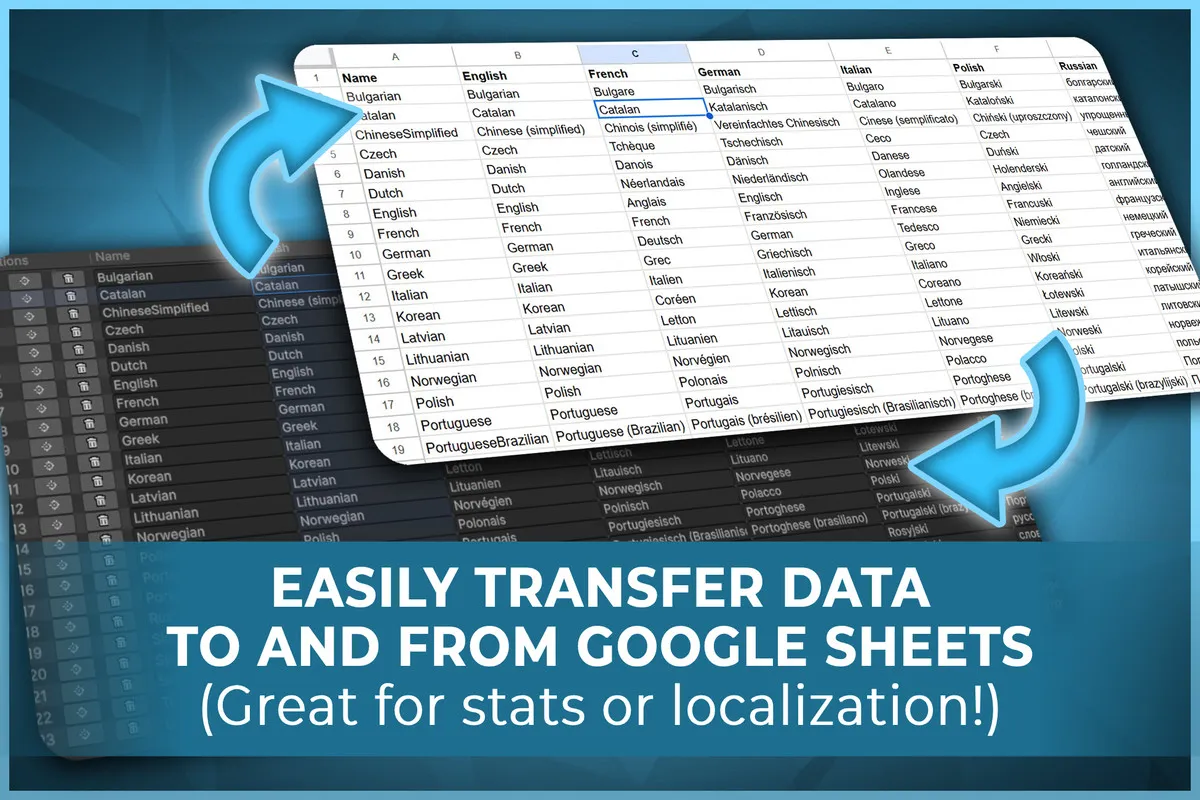
CSV, TSV, JSON, and Google Sheets in and out of Unity, with headers, delimiters, and enum conversion.
Modular importers with geometry reconstruction, scene generation, and diagnostic tools.
Debugging and visualization tools that show what the data and the scene are really doing.
Create many ScriptableObjects in one click, or edit many assets in one pass.
Trello Poster, a free, open-source tool that lets a game and its players file Trello cards.
Full source code, unit tests, samples, and documentation, as Scriptable Sheets ships with.
The most useful tools often never get a window of their own: they import data from where designers already work, check it on the way in, and create what is missing. Scriptable Sheets pulls data from any Google Sheet shared by link with one-click importers, and can create missing ScriptableObjects during an import or a paste.
Our Universal PS1 Game Asset Importer, a research and tooling project, explores modular import pipelines, game-specific adapters, geometry reconstruction, textures, collision information, scene generation, and diagnostic tools for PlayStation-era assets. It is not a release of anyone's game content. Build servers and CI/CD outside the Editor are part of our Unity development services.
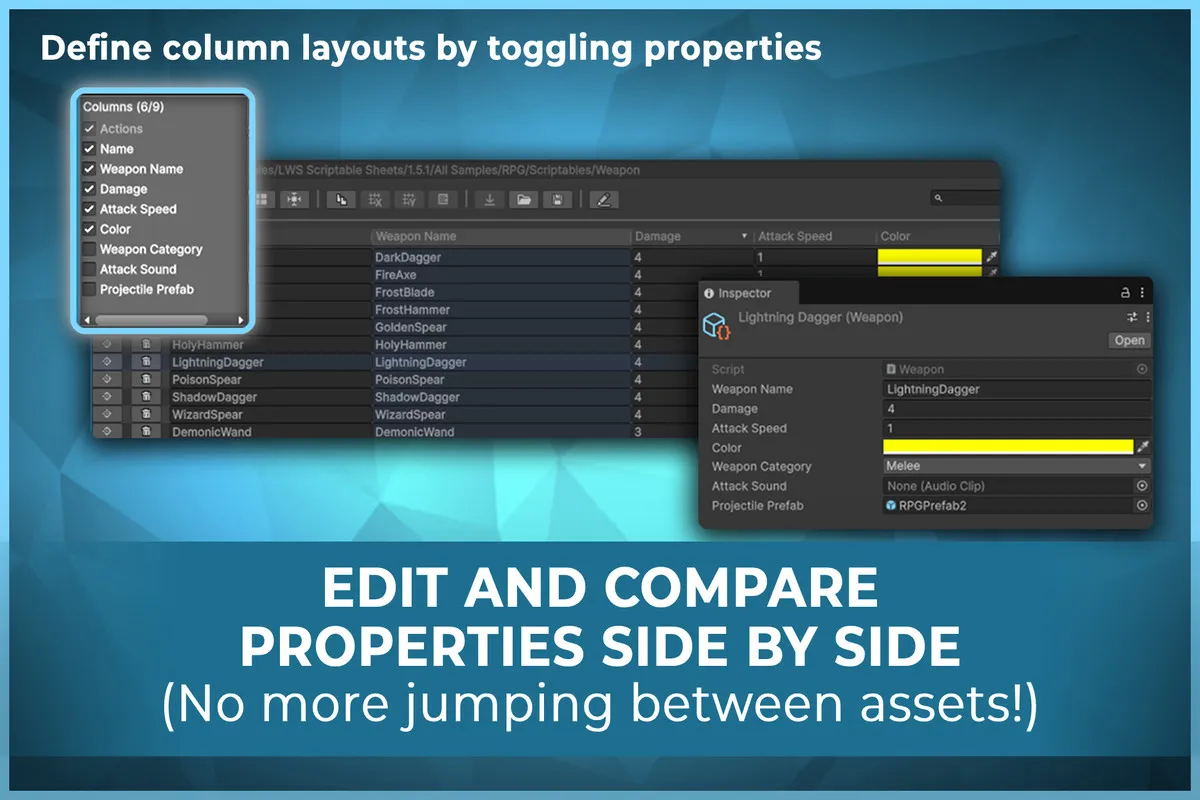
Scriptable Sheets shows ScriptableObjects, Prefabs, Components, and other Unity assets in a spreadsheet-like table inside the Editor, so you can sort, filter, edit, copy, and paste them in bulk. It needs no coding to start.
It handles nested, inherited, and generic fields, arrays and lists, SerializeReference fields, Sub Assets, and Addressable Asset References. It runs only in the Editor and is completely stripped from builds.
Our game · level editor
A built-in level editor with tilesets, structures, terrain borders, and mirror mode, sharing terrains on the Steam Workshop.
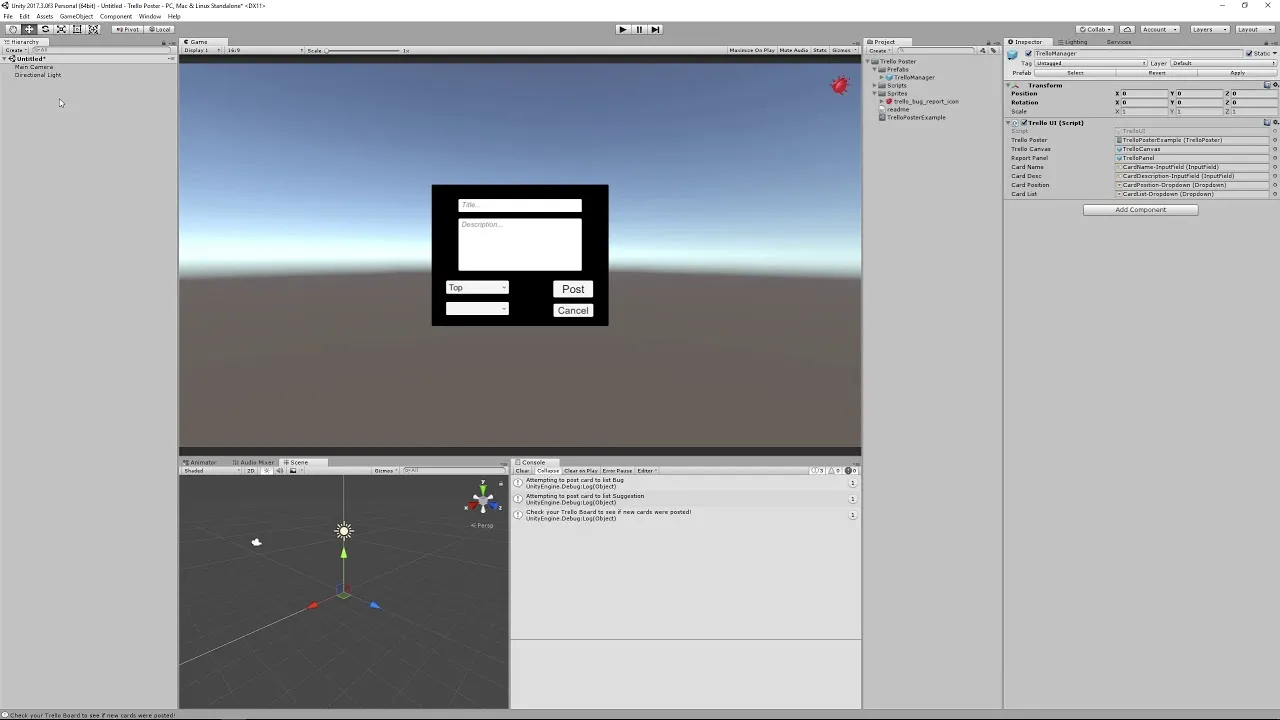
Our free tool · video tutorial
Trello Poster, a free, open-source Unity tool that files Trello cards from a game, for example as a bug reporter.
Kodeco tutorial
Our original Kodeco tutorial on using ScriptableObjects to streamline Unity workflows and decouple code.
Our R&D
Modular import pipelines, geometry reconstruction, scene generation, and diagnostics for PlayStation-era assets.
This is incredibly powerful for my kind of a workflow. Being able to see every single member of a scriptable object in one view lets me see the bigger picture much more easily. Highly recommend this one.
I can’t express enough how AMAZING this asset is! If you work with ScriptableObjects, or any serializable asset supported by this tool that you want to edit in List format, this is the asset to buy!
So it’s come to this: I’ve reached the age where I get excited about an embedded spreadsheet tool. smh This is amazing! It helps structure my endless number of Scriptable Objects in my scene. Was about to write something myself, but this is well worth the money! <3
Quite powerful – especially for larger projects. If you organize data using scriptable objects in your project, this asset is going to be a huge time saver. Definitely a must have asset in my opinion!
Start with the task that slows your team down most, so the first milestone is a tool your team can use right away.
Email or use the contact form: the task that slows your team down, who does it, how often, and your Unity version.
We talk it through, ask the hard questions early, and agree on what the first milestone delivers.
A working version of the most-needed tool comes first, tried on the data your project already has.
Regular builds you can play or use, with check-ins along the way and changes made while they are still cheap.
The handover agreed before work starts, such as source code, tests, and documentation, then fixes and updates.
For anything else, email support@lunawolfstudios.com or use the contact form.
Unity editor tools
Describe the task, who does it, and how often. We will tell you what a tool for it could look like.